Journal · Guides
How to see your home in 3D

Four steps: find an address, move around the city, pick a map view, change the hour and the weather.
You can see your home, yard or neighbourhood in 3D right in the browser — on a computer or a phone, with nothing to install and no sign-up.
1. Find the address
Press “Open the 3D map”. In the search box at the top left, type a city, a street with a house number or coordinates and pick a suggestion — the map flies there.
2. Move around the city
On a computer: drag the map with the mouse, zoom with the wheel, hold the right button to turn and tilt. On a phone: move the map with one finger; zoom, turn and tilt with two.
3. Pick a map view
At the bottom of the screen there are three modes (the map interface is in Russian for now):
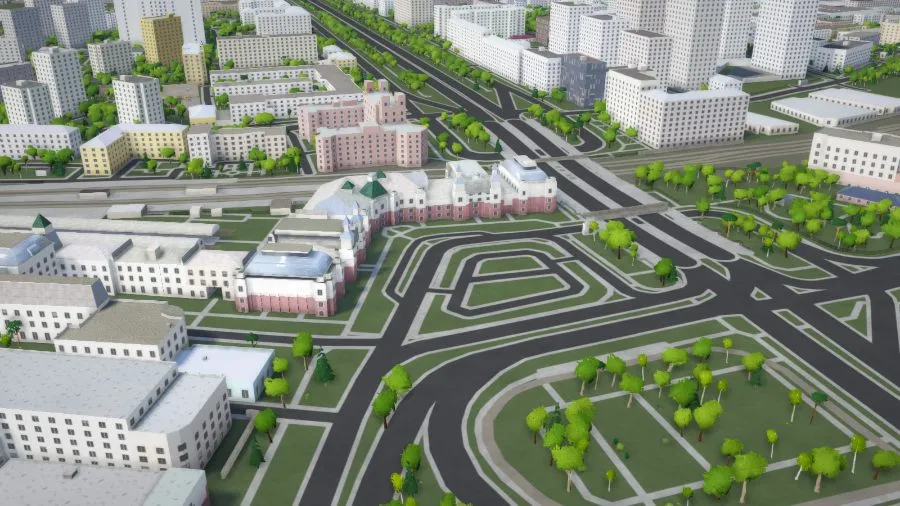
- Макет (Model) — the city as an architectural model;
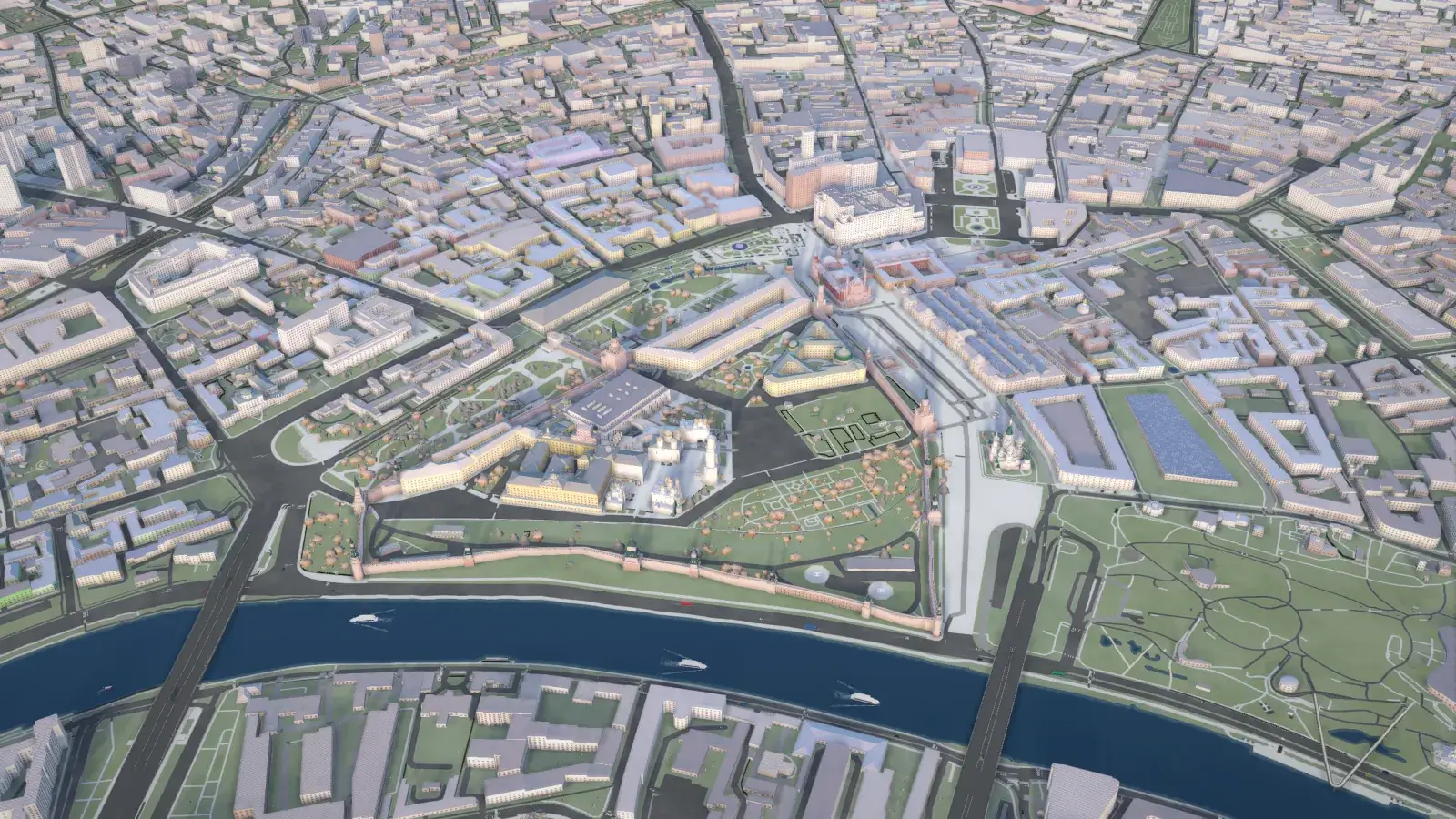
- Реализм (Realism) — the real colours of the land from imagery;
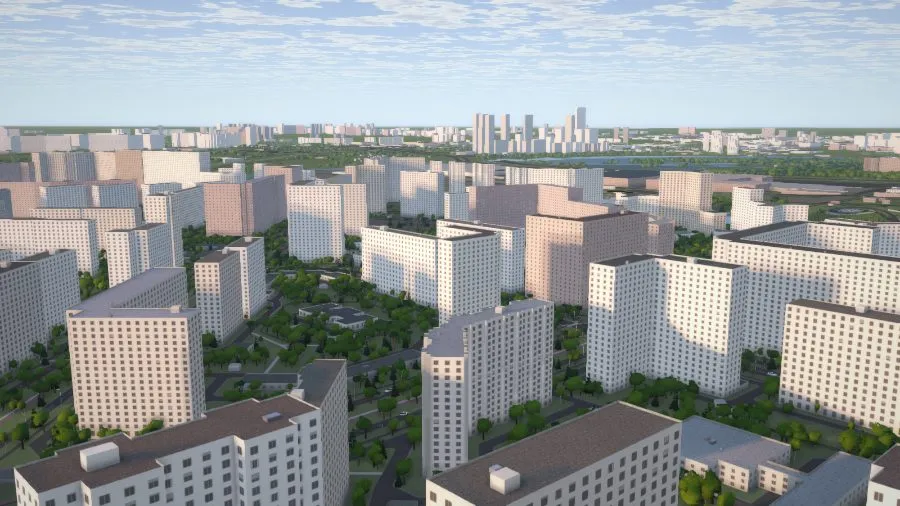
- Схема (Scheme) — a light map with labels.
Go high enough and the city becomes a flat 2D map; over Moscow you can switch on the “Metro map” there.
4. Change the hour, season and weather
The button with the clock at the top right opens time and weather: move the time of day, pick a season and the weather — the sun, shadows and light in the yard change at once.
More
- Знаки карты (Map signs) — the button next to the weather: shops, schools, stops and other places nearby.
- Helicopter — fly over the area; switch it on with the helicopter button or the H key.